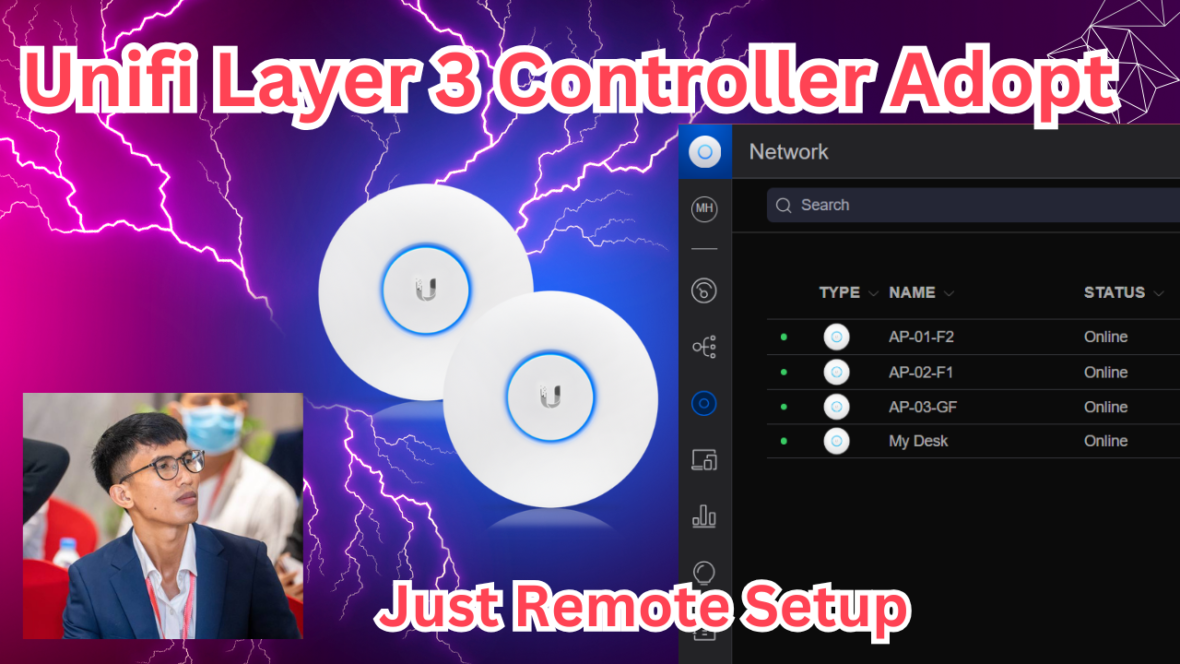
Unifi Remote Setup | How to Adopt Unifi with Layer 3 Controller
What you need to prepare:
1./ Reset AP to default setting
2./ Assume that AP got DHCP so please note IP Address of AP: 192.168.68.248
Because we use it for SSH config
3./ External Unifi Controller (Domain Name or Public IP Address)
You just need to replace domain to ip address only. Everything are the same.
🔔 Subscribe for more videos just like this🔔
https://www.youtube.com/@TechwithVichka?sub_confirmation=1
Watch On YouTube: https://youtu.be/R5Qiia84rew
CONNECT WITH ME!
========================================
🔔 Subscribe for more videos just like this🔔
https://www.youtube.com/@TechwithVichka?sub_confirmation=1
Telegram Channel: https://t.me/TechwithVichka
========================================
#TechwithVichka #KongVichka #8N3Technology
#Unifi #Mikrotik #UnifiController #Layer3Adopt #RemoteSetup #Networking #Engineer
Thank You!
Tage:
How to setup Unifi,
Unifi Layer 3 setup,
Remote configure,
How to adopt unifi,
AP, Access Point,
Unifi,
Mikrotik,
Unifi Controller,
Layer 3 Adopt,
Remote Setup,
Networking,
Engineer,
TechwithVichka,
KongVichka,
8N3Technology,
Network Products,