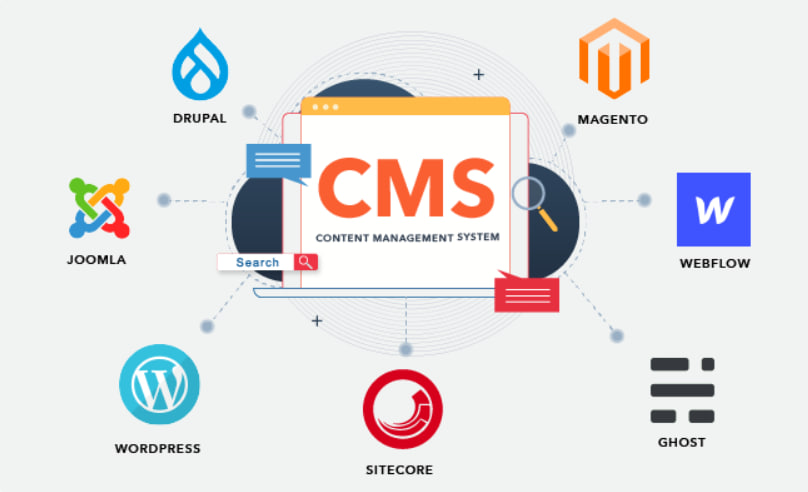
A Content Management System(CMS) is a software application or a set of related programs to create and manage digital content. It allows users to create, manage, and modify content on a website without having specialized technical knowledge.
CMS also helps you to build your own system for creating web pages, storing images, and other functions. The content management system handles all the basic infrastructure stuff for you, which helps you to focus on more important aspects of your website.
Following is a handpicked list of Top CMS Software with their popular features and website links. The list contains both open-source (free) and commercial (paid) software.
1) WordPress.com
WordPress is the world’s most popular open-source and free-to-use CMS. It started as just a blogging platform, but it has added features significantly over the years, and today, it is emerging as the complete content management software.

Features:
- You can design multiple pages with no coding skills using Page Builder plugins.
- Option of WordPress hosting or self-hosting.
- Helps you to create webpages for multiple functions for your blog.
- This one of the top content management systems offers Backward Compatibility.
- WordPress Plugins come with excellent unofficial support other than the main help document.
- WordPress offers a simple addition of posts or pages on the site.
- Hosts offer WordPress installation using cPanel with very few clicks.
https://wordpress.com
2) Joomla
Joomla is another popular CMS that allows you to build a website and many different business-oriented online applications. It runs smoothly on various web servers without any issues because it is easy to use and is a highly extensive free-to-use CMS tool.
Features:
- It allows you to choose when articles are published.
- Joomla is suitable for blogging websites.
- Add extra functions to your content in a single click.
- It offers a perfect balance between ease of use and complexity of functionality.
- Edit content without any knowledge of code.
- This is one of the best content management systems that offer a user-friendly admin interface.
- Templates are available free of cost and can be applied with one click.
https://joomla.org/
3) Drupal
Drupal is an open-source web development platform for creating an online content management system and user communities. You can set up the Drupal CMS platform from a simple blog to a large corporation’s content portal.
Features:
- Helps you to create Panels, Views, and Web forms
- A website developed using Drupal CMS is more secure as compared to other CMS platforms.
- Some excellent developers are available for support.
- Enables you to manage complex, multi-domain management.
- This is one of the best content management systems that offer access to thousands of modules and themes.
https://www.drupal.org/
4) HubSpot CMS
HubSpot is all in one platform for marketing, customer service, and sales hub. It helps you to convert leads, grow traffic, and track your entire marketing funnel in one place. This CMS also allows you to create and share email templates.

Features:
- It provides a drag-and-drop facility to build web pages, landing pages, email templates, and blog posts.
- You can connect with your prospects through live chat available on the website.
- It supports HubSpot CRM, Google Calendar, and Office 365.
- You can get a notification when someone opens an email, download an attachment, and more.
https://www.hubspot.com/
5) Blogger
Blogger is a blog-publishing service that allows users to create and maintain their websites. It offers various functionality and design tools. It works seamlessly and you do not need to buy, install, and manage separate applications to develop your web page.

Features:
- The drag-and-drop blog editing interface.
- Allows raw conversion.
- Option to create private blogs.
- Web feed options.
- Link editing in Composed mode.
- Offers country-specific blogger addresses